
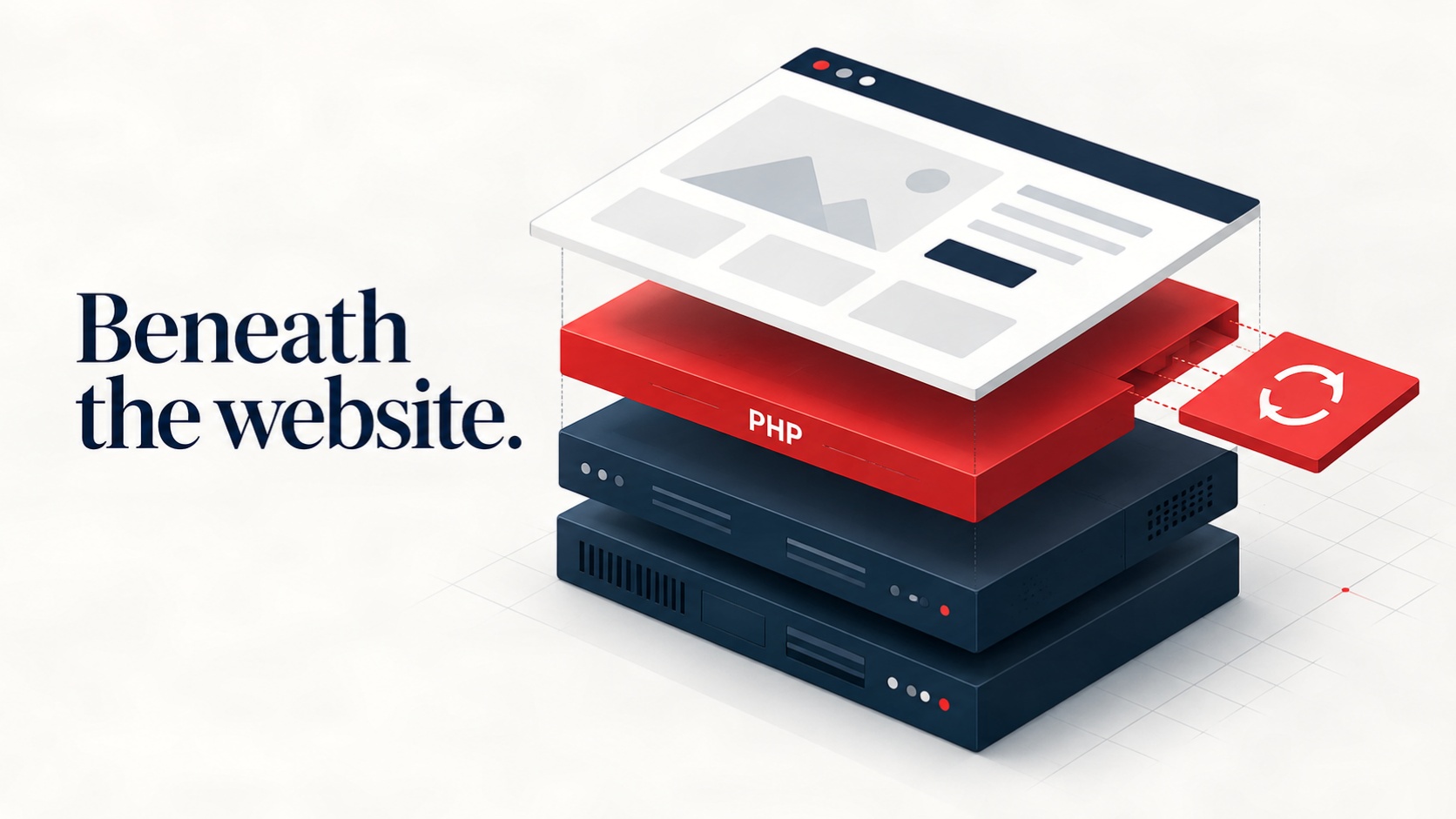
When a website is working, there usually isn’t much reason for a business owner to think about the software underneath it. Pages load, forms submit, and customers get what they need. But that working website depends on several layers of technology, each with its own updates and potential vulnerabilities.
This week brought one of those layers into focus. On October 21, the PHP project released emergency updates for two critical vulnerabilities, identified as CVE-2026-109618 and CVE-2026-109619. Under certain conditions, both could allow remote code execution without authentication. In practical terms, an attacker could get a vulnerable server to execute their code without needing an account or password.
What Actually Went Wrong?
Both vulnerabilities involve how the PHP engine handles memory and errors. These are parts of the runtime beneath the application code, so a website can be affected even when its own code follows good security practices.
The first vulnerability involves an out-of-memory condition. When a request reaches PHP’s configured memory limit at a particular point, the engine can leave internal data only partially initialized and later treat it as valid. Researchers demonstrated remote code execution on Apache using mod_php with default settings. They also confirmed exploitation through application-level code paths on PHP-FPM.
The second involves internal state left behind after a fatal error. A later request handled by the same worker can encounter a reference to memory that has already been freed. Developers call this a “use-after-free.” Depending on the circumstances, that kind of memory error can do more than crash a process. The PHP Foundation reported that a researcher demonstrated remote code execution against a real-world application.
The configuration and application paths matter, so exposure is not identical across every PHP deployment. But switching between mod_php and PHP-FPM should not be treated as a substitute for applying the fixes.
Updating the Application Is Only Part of the Job
A PHP website has several maintenance layers. There is the application itself, which might be WordPress or a custom system. There are plugins, libraries, and extensions. Then there is the PHP runtime, web server, operating system, and hosting configuration.
Updating one layer does not automatically update the others. A WordPress dashboard showing no pending updates does not tell you whether the server is running a patched PHP build. The same applies to custom software with fully updated application dependencies.
The PHP project released fixes in versions 8.2.35, 8.3.36, 8.4.27, and 8.5.12. Hosting providers and operating system vendors may also distribute backported fixes through their own packages, so a version number alone may not tell the whole story. The important check is whether the installed package includes fixes for both CVEs.
For a deployed site, that means checking the PHP runtime actually serving web requests. A command-line version check can be useful, but it may show a different installation from the one used by the website.
The Fix Still Needs to Reach the Running System
Installing a patched package is part of the process. The running services also need to load the updated code. Depending on the environment, that may require restarting PHP workers or Apache, or rebuilding and replacing application containers.
After deployment, someone should confirm the active runtime and test the website’s important workflows. Contact forms, logins, uploads, bookings, and payments are useful places to start. Backups and a recovery plan help if an update introduces a compatibility problem, but they do not replace patching.
This is where clear ownership matters. The hosting provider may maintain the runtime while a developer maintains the application. Both responsibilities need to be understood before an urgent advisory arrives.
Architecture Affects What You Have to Maintain
We think about these decisions when building websites because every component adds an ongoing responsibility. A plugin may save development time, but it also adds code that needs updates. A server-side feature may be useful, but it should have a clear reason to exist.
For some business websites, a static frontend with carefully chosen services can reduce the amount of server-side software exposed to public requests. Other sites need a CMS, customer accounts, or more complex application behavior. The right approach depends on what the business needs and who will maintain it.
Custom development gives us room to make those choices deliberately. It does not make a website automatically secure, and custom code still needs review, testing, and maintenance.
At Allied Code, we build custom websites with those long-term responsibilities in mind. Keeping the architecture focused, limiting unnecessary dependencies, and planning for ongoing care can help reduce avoidable risk long after launch.